DevOps 5 min read
FrankenPHP, Caddy and Docker: a production-ready Symfony stack
One container to serve PHP, handle HTTPS and keep Symfony in memory: a hands-on look at the FrankenPHP + Caddy + Docker stack running this site, from development to deployment.
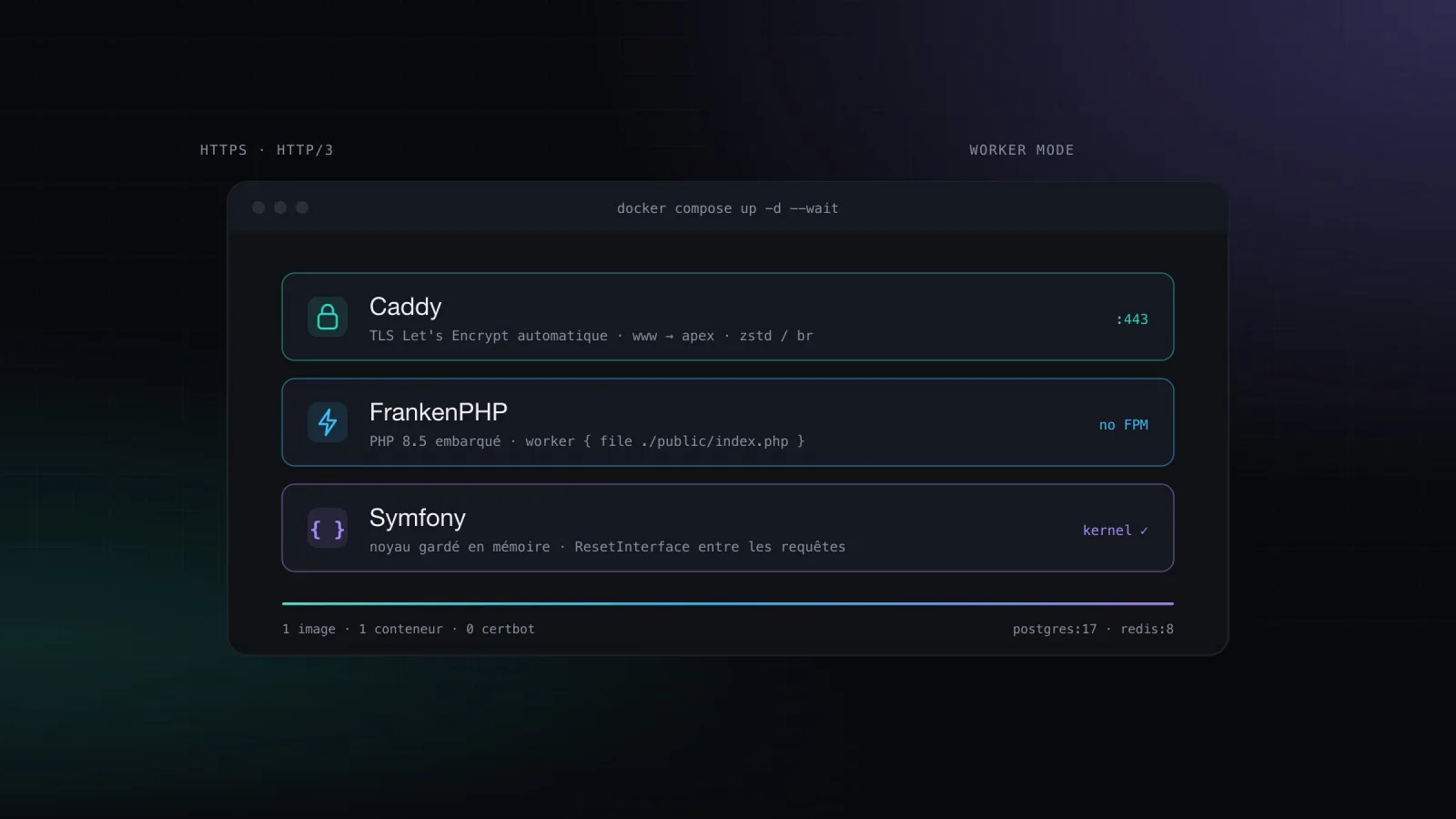
For years, my production PHP stack looked like everyone else's: nginx in front, PHP-FPM behind it, certbot in a cron job, and one config file per site that nobody dared to touch anymore. For the new version of this site, I replaced all of it with a single binary: FrankenPHP. Here is the full setup, what it brings and the pitfalls worth knowing.
What exactly is FrankenPHP?
FrankenPHP is a PHP application server written in Go, built on top of Caddy. In practice, one process does the job of three tools:
web server: HTTP/2, HTTP/3, zstd/brotli compression, static files;
automatic HTTPS: Caddy obtains and renews Let's Encrypt certificates on its own;
PHP execution: the interpreter is embedded, no more PHP-FPM or FastCGI socket.
Above all, it offers a worker mode: the Symfony application boots once and keeps its kernel in memory between requests. The service container, routes and configuration are no longer rebuilt on every hit.
The Caddyfile
The whole HTTP configuration fits in a Caddyfile. Values written as {$…} are environment variables, so the same file works in development and in production:
{
	frankenphp {
		{$FRANKENPHP_CONFIG}
	}
}

{$CADDY_EXTRA_CONFIG}

{$SERVER_NAME:localhost} {
	root /app/public
	encode zstd br gzip

	# Generated thumbnails are cached for a year
	header /media/cache/* Cache-Control "public, max-age=31536000, immutable"

	# Anything that is not a file goes to the front controller
	@phpRoute {
		not file {path}
	}
	rewrite @phpRoute index.php

	@frontController path index.php
	php @frontController {
		worker {
			file ./public/index.php
		}
	}

	file_server {
		hide *.php
	}
}
The worker block enables worker mode. On the Symfony side there is nothing to write: since Symfony 7.4, the runtime detects FrankenPHP and plugs into it automatically.
A multi-stage Docker image
The Dockerfile starts from the official dunglas/frankenphp image and defines two targets: one for development, one for production.
FROM dunglas/frankenphp:1-php8.5 AS frankenphp_base
WORKDIR /app
RUN install-php-extensions @composer apcu intl opcache redis zip pdo_pgsql
COPY --link frankenphp/Caddyfile /etc/frankenphp/Caddyfile
ENTRYPOINT ["docker-entrypoint"]
CMD ["frankenphp", "run", "--config", "/etc/frankenphp/Caddyfile"]

# --- Development: Xdebug, sources mounted as a volume
FROM frankenphp_base AS frankenphp_dev
ENV APP_ENV=dev
RUN install-php-extensions xdebug

# --- Production: dependencies and assets baked into the image
FROM frankenphp_base AS frankenphp_prod
ENV APP_ENV=prod
COPY --link composer.* symfony.* ./
RUN composer install --no-dev --no-scripts --no-autoloader
COPY --link . ./
RUN composer dump-autoload --classmap-authoritative --no-dev \
    && composer dump-env prod \
    && php bin/console asset-map:compile
The install-php-extensions installer shipped with the image saves you from hand-writing the docker-php-ext-configure calls and system dependencies of each extension. The production image contains everything: code, vendors, compiled assets. The server only has to pull it.
Docker Compose: one base, one override per environment
compose.yaml describes what is shared (PHP, PostgreSQL, Redis); an override adds what is specific. In production:
# compose.prod.yaml
services:
  php:
    image: ${PHP_IMAGE}
    environment:
      APP_SECRET: ${APP_SECRET}
      SERVER_NAME: ${SERVER_NAME}
      # www.domain.com gets its own certificate and redirects to the apex
      CADDY_EXTRA_CONFIG: |
        www.${SERVER_NAME} {
          redir https://${SERVER_NAME}{uri} permanent
        }
    ports:
      - "80:80"
      - "443:443"
      - "443:443/udp"   # HTTP/3
    volumes:
      - caddy_data:/data     # Let's Encrypt certificates
      - uploads:/app/public/uploads

volumes:
  caddy_data:
  uploads:
The stack starts with docker compose -f compose.yaml -f compose.prod.yaml up -d --wait. With SERVER_NAME=jdspractice.fr and DNS pointing at the server, Caddy obtains certificates for the domain and for www on first boot, in about ten seconds.
The crucial bit: the
caddy_datavolume. Without it, every redeployment requests new certificates and you quickly hit Let's Encrypt's rate limits.
Worker mode pitfalls
Keeping the application in memory comes at a price: state survives from one request to the next. A service property filled during one request will still be there for the next one, for another visitor. The rules:
a service that caches data in a property implements
Symfony\Contracts\Service\ResetInterface: Symfony callsreset()between two requests;no static variables or home-made singletons;
watch out for memory leaks: the worker restarts after a configurable number of requests, but better not to rely on it.
final class Settings implements ResetInterface
{
    private ?SiteSettings $settings = null;

    public function get(): SiteSettings
    {
        return $this->settings ??= $this->repository->findOneBy([]) ?? new SiteSettings();
    }

    public function reset(): void
    {
        $this->settings = null; // reloaded on the next request
    }
}
Healthcheck and deployment
Caddy exposes an admin API on port 2019, which makes a handy health probe:
HEALTHCHECK --start-period=60s CMD php -r 'exit(false === @file_get_contents("http://localhost:2019/metrics") ? 1 : 0);'Thanks to it, docker compose up --wait only returns once the container actually responds. That is what makes continuous deployment reliable. In my setup, pushing a vX.Y.Z tag to GitLab runs the tests, builds the production image, pushes it to the registry, then connects to the server over SSH to run docker compose pull && docker compose up -d --wait. Doctrine migrations are run by the entrypoint when the container starts.
The takeaway
Fewer moving parts: no more nginx, PHP-FPM or certbot; one container, one Caddyfile.
HTTPS without thinking about it: certificates obtained and renewed automatically, HTTP → HTTPS redirect included.
Faster: worker mode removes the cost of booting Symfony on every request.
Same environment everywhere: the same image runs locally, in CI and in production.
The only real change of habit is worker mode: think "long-running application" rather than "script that dies at the end of the request". Once that reflex is in place, it is hard to go back.
To get started, the dunglas/symfony-docker skeleton provides a base very close to this one.
Julien DechavanneTech Lead & Symfony Developer